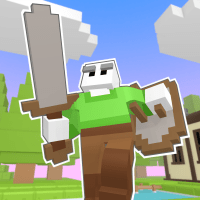
Look over there, it’s a progress update!
In the original Floppy Heroes, custom weapon and armor creation was an afterthought; a feature that was added post-release after players asked for it. Since, at the time, I had never implemented a content creation tool before, it ended up being a bit crude. It required the user to go out of their way to install Unity, draw their item in an art program, import the .png into Unity, play with a bunch of knobs and buttons, then finally copy-paste the item file into their Floppy Heroes folder…
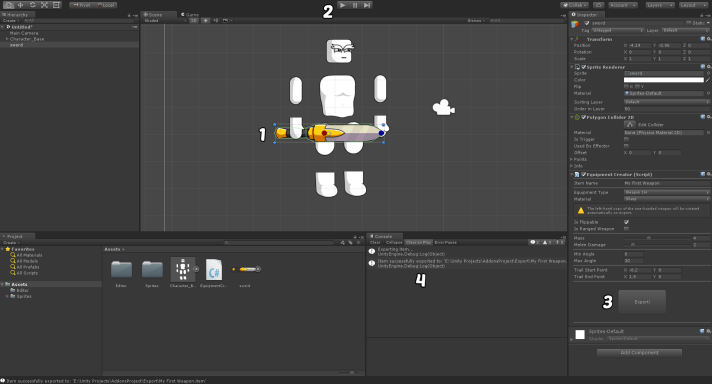
Obviously, it didn’t get a lot of use…
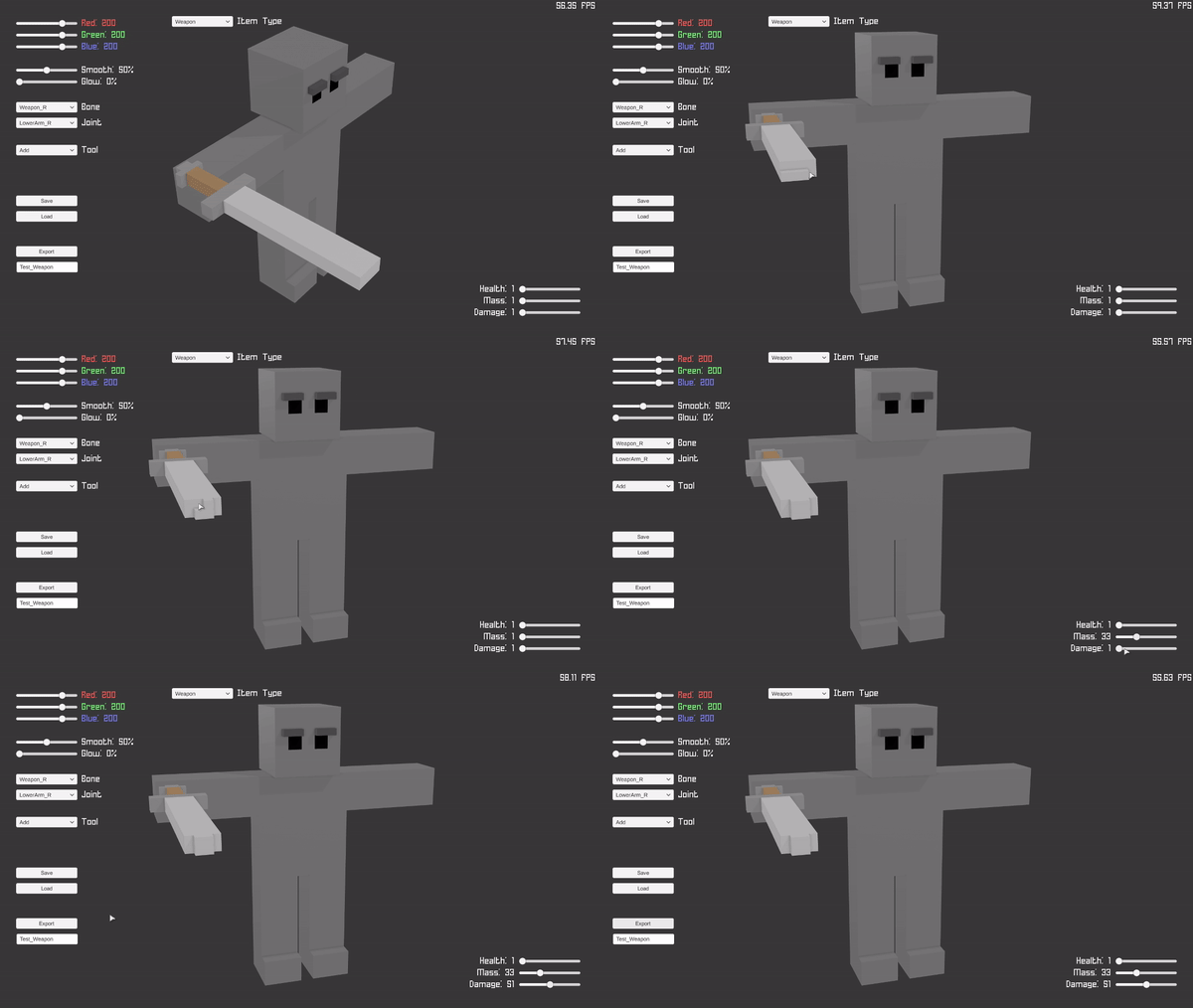
…But! Thanks to the mountain of stuff I’ve learned since making the original game, the sequel’s item creator will be in-game, much easier to jump into, and available right at launch!
Basically, now all you’ll need to do to make neat weapons and armor is:
- Pick a color
- Select the ‘Add’ tool, then click to add cubes wherever you want ’em
- Use the sliders to set your item’s stats
- Name the item, and click ‘Export’
All the heavy lifting, such as meshing the cubes, rigging the mesh, and adding colliders are all done automatically!
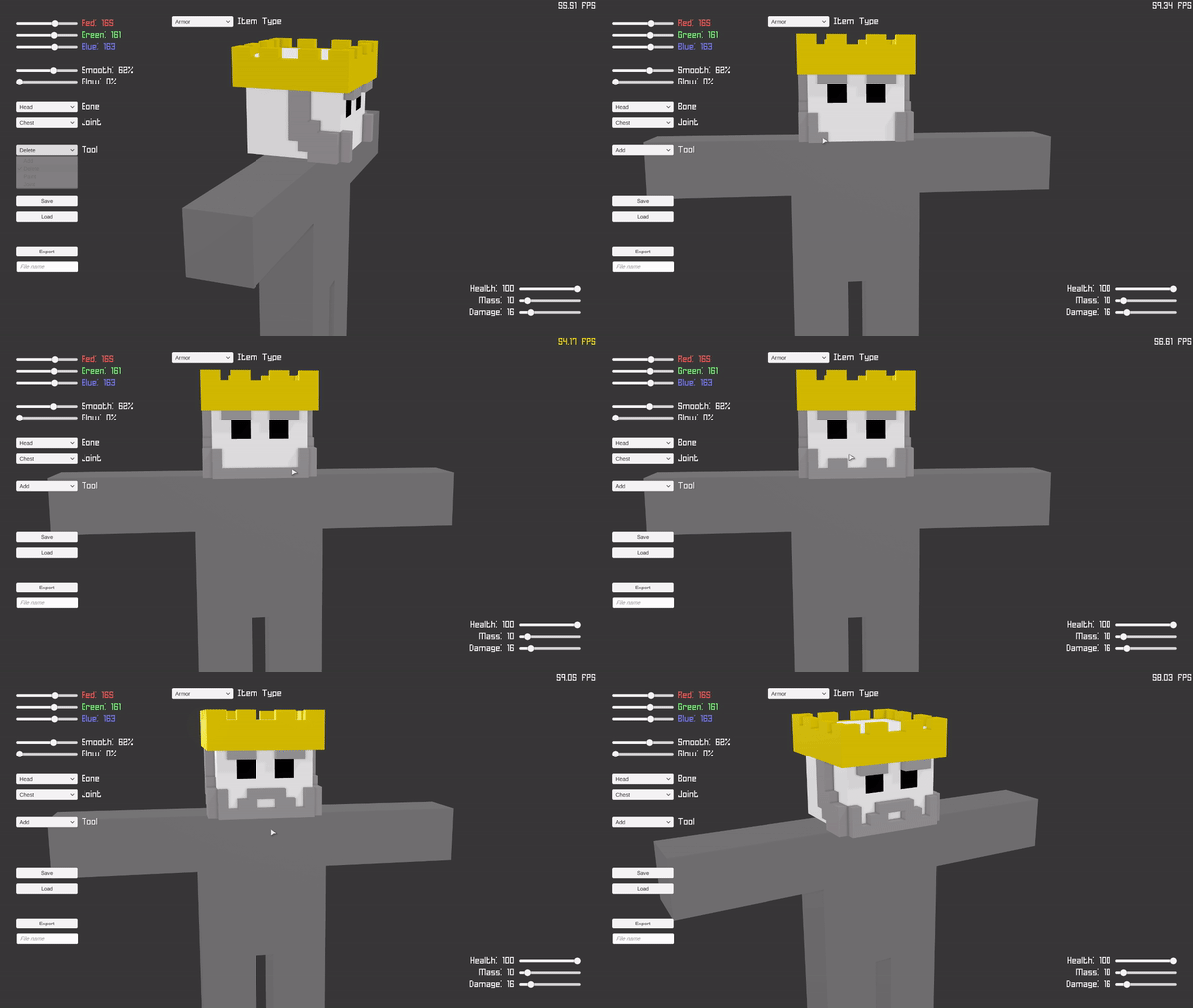
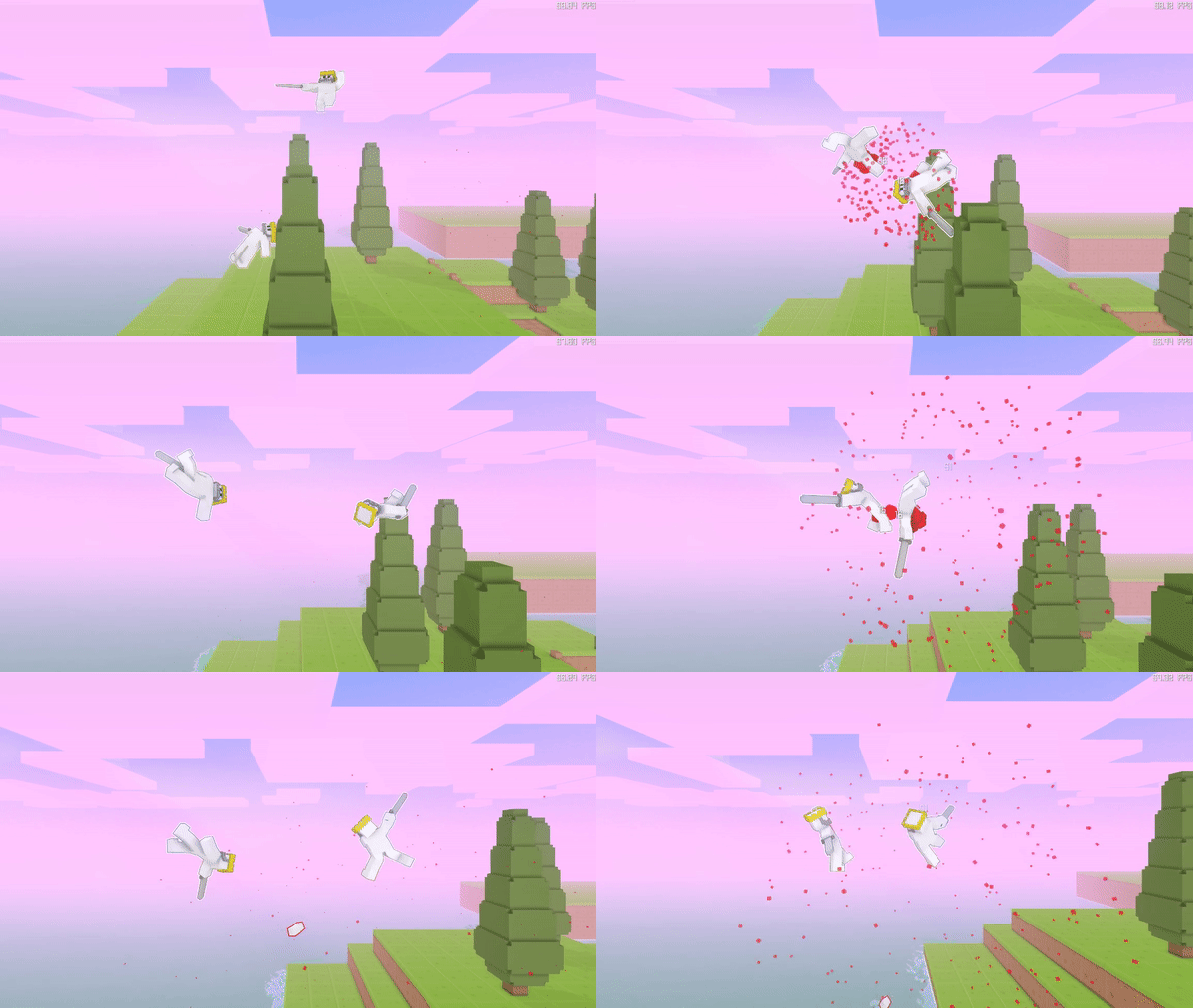
(Probably should’ve given them more than just a crown and a sword…)
The plan is to integrate it with Steam Workshop, so you’ll be able to quickly share your creations, and download weapons and armor made by other players!
-Rimply
1 was one of the best games to just kick back and play with a friend and play co-op hope this one’s as fun
LikeLike
I still maintain that the only reason holding me back from using the editor for Floppy Heroes 1 is that the items are unavailable in the randomized 10-level singleplayer gauntlet game mode.
If there would be an update for FP1 to make it so that modded items are included automatically in the pool of stuff that the AI will use randomly during singleplayer, then I’d create and release a fairly extensive weapons pack for FP1. I already have a convenient workspace image created that I was intending to use to reference the scale of items and characters.
Besides that, I’m excited to see a new update to the game, the visual customization looks pretty neat!
LikeLike
eaarly in develampment, but the basic stuff down, cool, so whn does it comeo ut, like 2019 or 2020? or is it even in this year?
LikeLike
It’s hard to say, as there’s still a lot of work remaining, but my current prediction is mid-2019.
LikeLike
super looking forward to this though if i may recommend, in order to insure players can’t just spam powerful weapons maybe make the Mass based on the number of blocks used in the object.
and as for damage the program could look at two variables..
1:slashing: the thinnest part of the weapon, once the hit box is calculated it performs a grid reference to find the thinnest part and return a value to it based on the number of blocks behind the edge blocks.
2:Bashing: similar to the above method except it looks for the block surrounded by the most blocks and counts how many layers of blocks are around it until only 2 sides of a layer can be made then gives out a damage value based on that.
then it would take the higher of the two and make that the value (or both if your having blunt and slash damage in the game) this maybe abit complex but if you can pull it off you’ll have done what no other developer (i know of) has tried.
but regardless of what you do i still look forward to the final project!
LikeLike
0 Pingbacks
Follow Rimply At